1
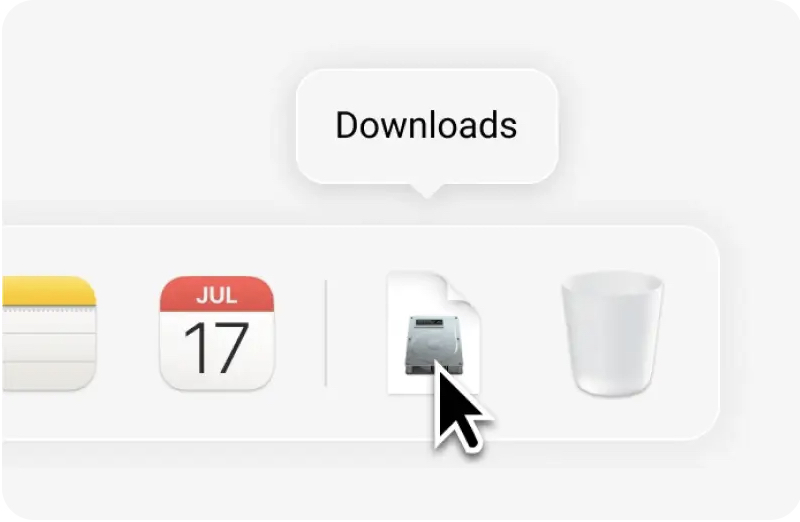
Open the downloaded DMG from your Downloads folder.
Thanks for downloading
Your download should start automatically. Follow the steps below to install OnlySpeak on your Mac.
Open the downloaded DMG from your Downloads folder.
 OnlySpeak
Drag the OnlySpeak app into your Applications folder.
OnlySpeak
Open OnlySpeak from your Applications folder.
If macOS says the app is corrupted, run:
xattr -dr com.apple.quarantine /Applications/OnlySpeak.app
If macOS blocks the app as corrupted, open Terminal and run the command above once.
Not working?
Download again